Autopilot
AI answers matching Helpdesk tickets and takes action automatically. No review.
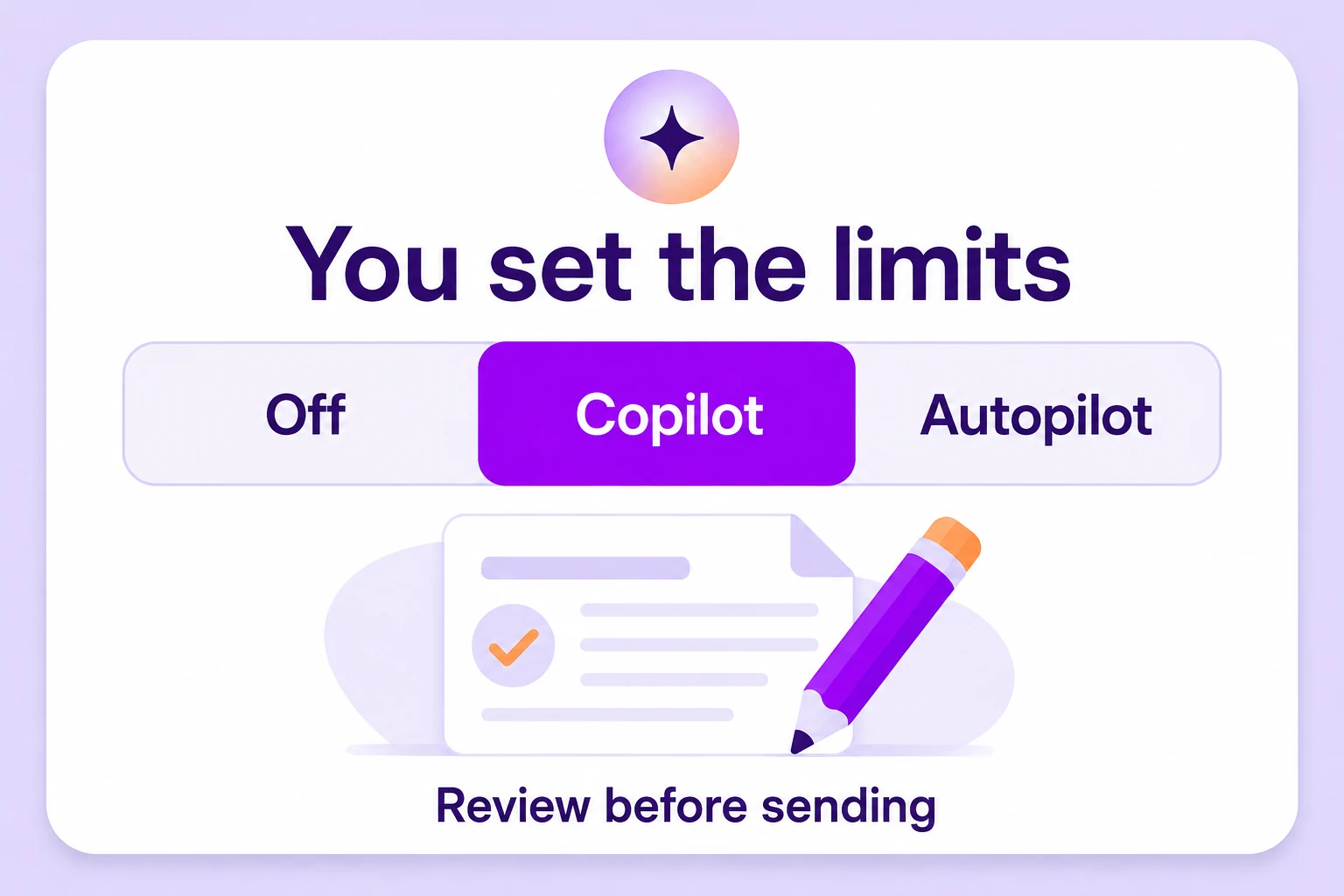
Reply sent · 2:14amAutopilot, Copilot or Off — per request type, per feature area. The AI does exactly as much as you allow, and logs every bit of it.
You set the limits before the AI touches a single resident email.

Most associations start with everything on Copilot. By week four, pets and documents are usually on Autopilot — because you've watched it be right a few hundred times.
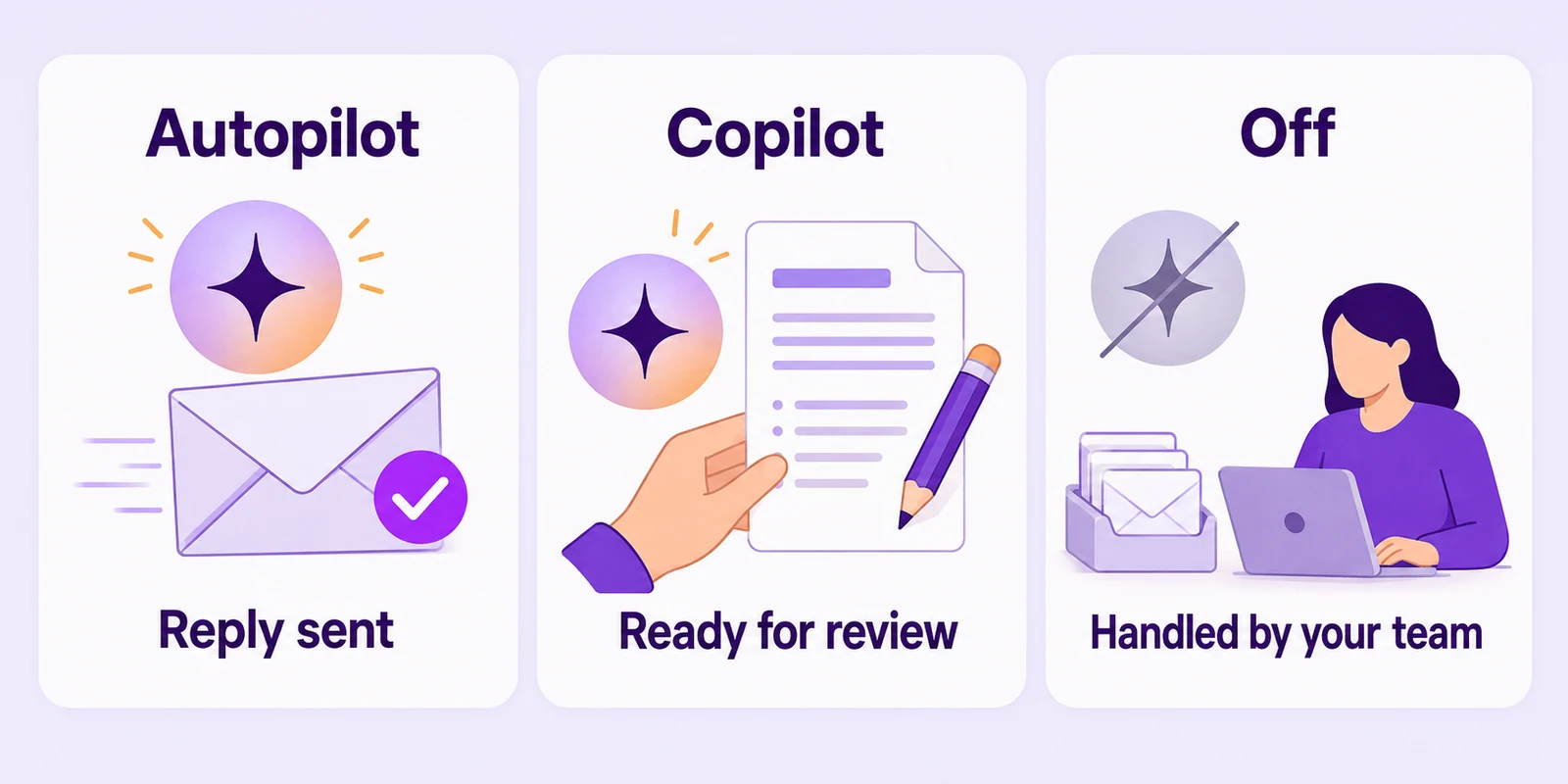
AI answers matching Helpdesk tickets and takes action automatically. No review.
Reply sent · 2:14amAI prepares a draft reply and the action for a person to review, edit, and send.
Draft awaiting your checkTickets are handled entirely by your team.
AI stands downPer request type, per feature area. Set the level of AI involvement for each part of your community's operations.
The AI can only send a document if someone marked it shareable in Library Settings. It can only accept a booking that satisfies the plain-English rules you wrote for that amenity.
Employees see and do only what their permissions allow, and the AI inherits the same boundaries.
Every action it takes — the reply, the record it changed, the reason it gave — lands in the audit log next to the human actions, attributable and searchable months later.
The AI's standing instruction is to hand anything uncertain to a person, with the thread and the unit's history attached. Knowing when to act — and when not to — is part of the system.
“Water intrusion on the balcony after last night's storm.”
Escalated with photos, unit history, and the last two maintenance visits attached.
This level of control is possible because AI is built into the platform, not added on as a feature.
Bring another board member to the demo.