Property Damage & Failures
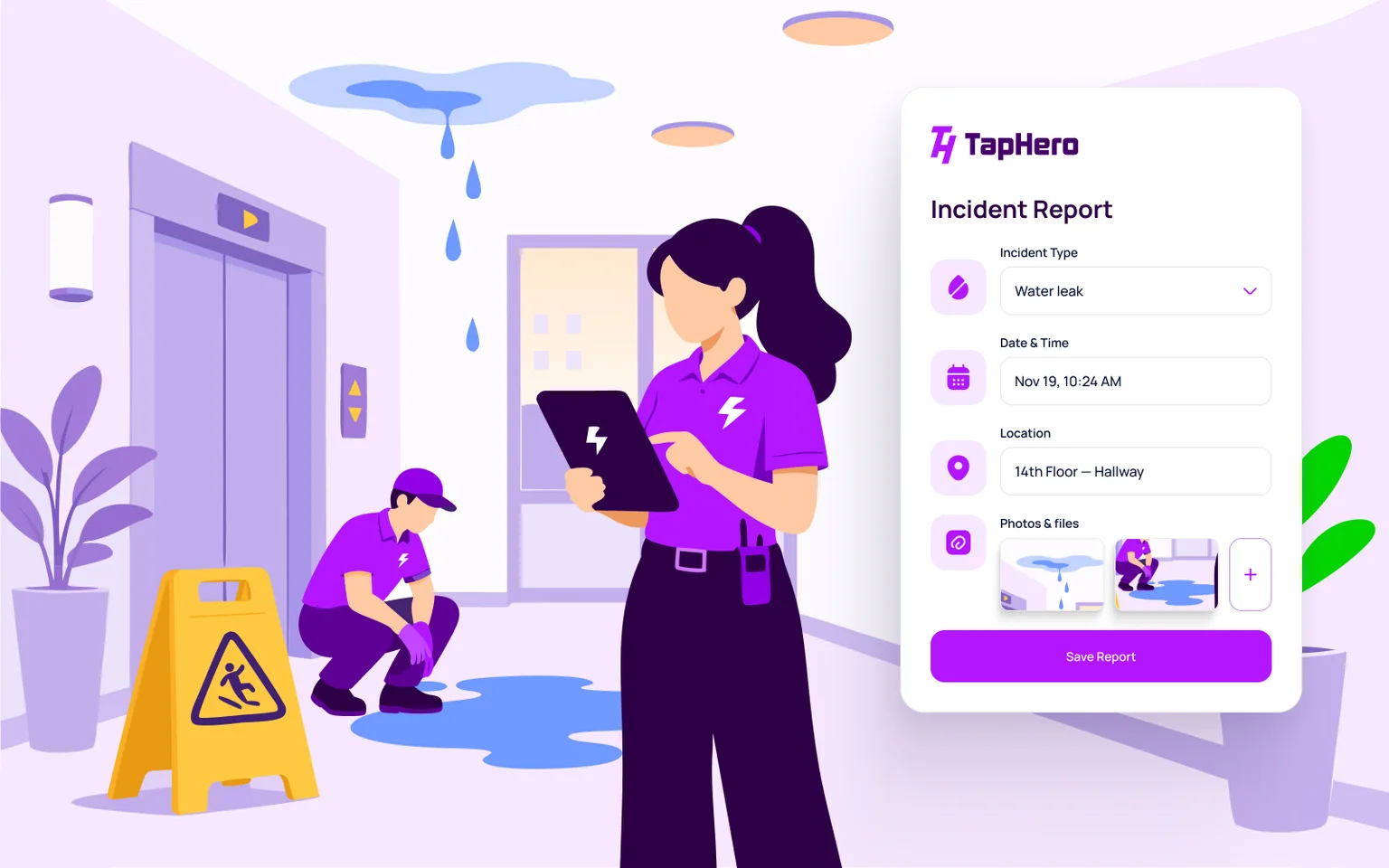
A pipe bursts, an elevator malfunctions, or flooding damages a common area. Record the location, damage, supporting photos, and staff response.
Accidents, property damage, and security concerns require more than a note at the front desk. With TapHero, staff can document incidents, attach evidence, and route reports for review. Every report stays organized and accessible when management needs it.
TYPES OF REPORTS
A broken elevator, a resident injury, or a security concern all need to be documented, even when no community rule has been broken. Incident Reports gives management a record of what happened, whether the situation requires a repair, further investigation, or potential rule enforcement.
A pipe bursts, an elevator malfunctions, or flooding damages a common area. Record the location, damage, supporting photos, and staff response.
Document noise disturbances, theft, or resident altercations with a consistent account of what occurred and the details needed for review.
When someone slips near the pool or is injured on the property, document the circumstances, assistance provided, and supporting evidence.
REVIEW AND FOLLOW-THROUGH
Not every incident needs the same level of review. Assign approval responsibilities to specific employee groups, with different requirements for individual incident types. Once a report is approved and finalized, TapHero notifies the designated staff group so the appropriate team stays informed.



CAPTURE THE DETAILS
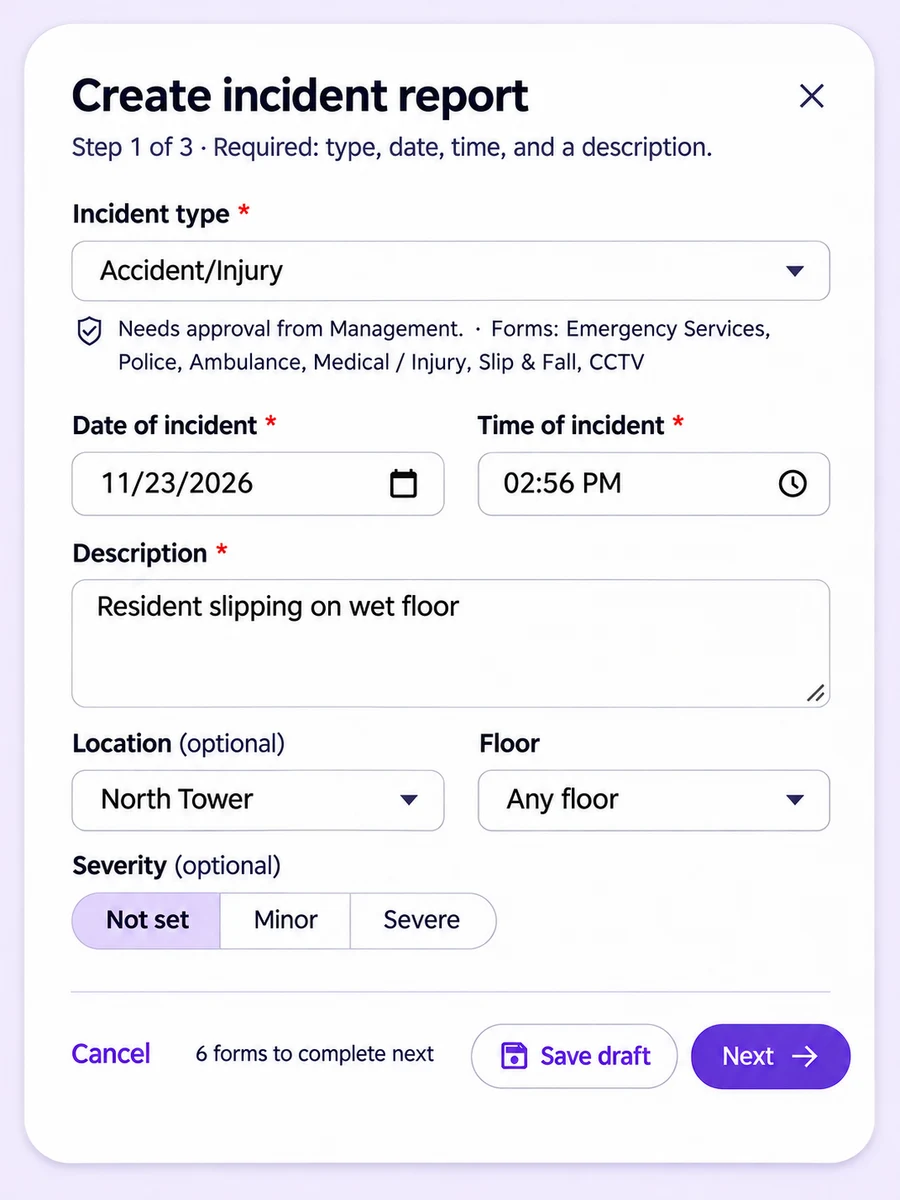
Use a step-by-step wizard to document incidents consistently. Select an incident type and capture the details your team needs to review.
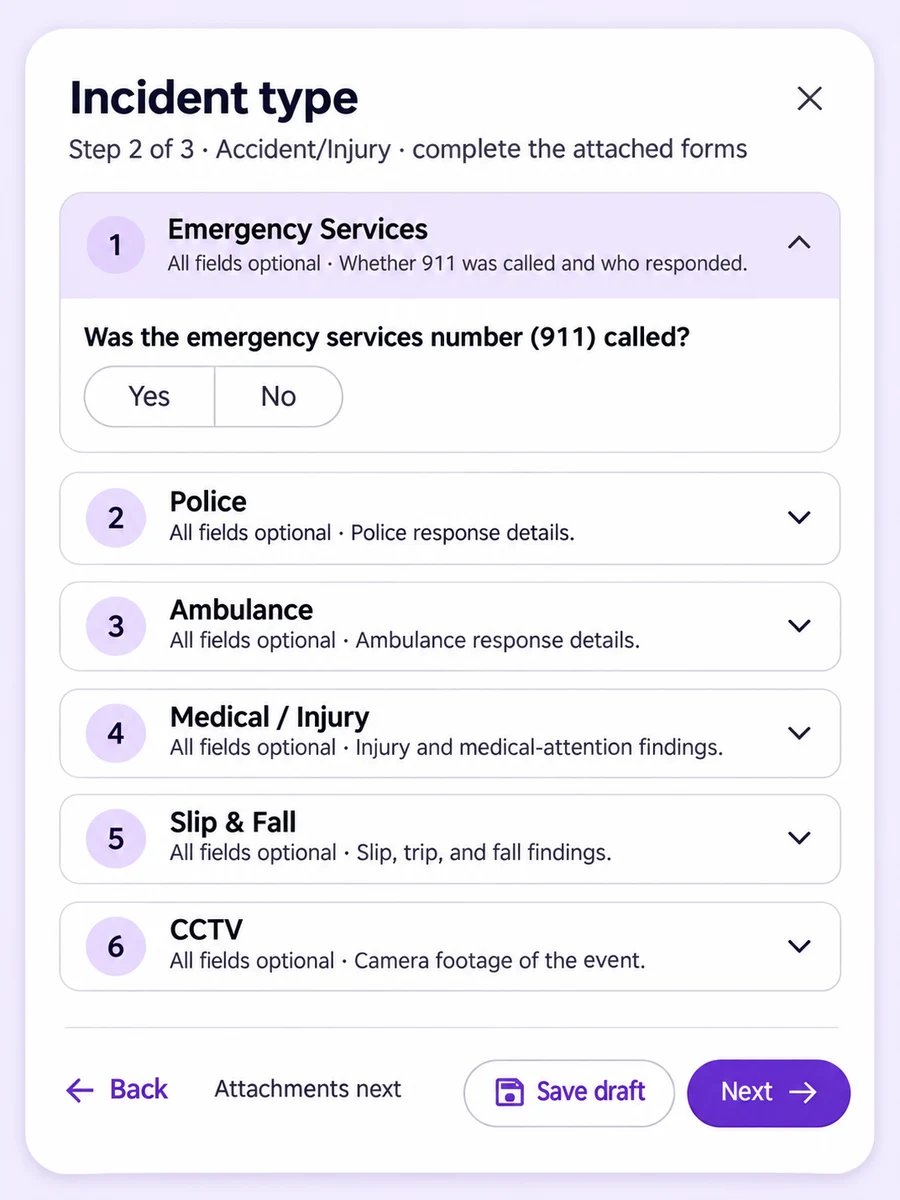
Associate forms with incident types, helping staff collect information appropriate to the event they are documenting.
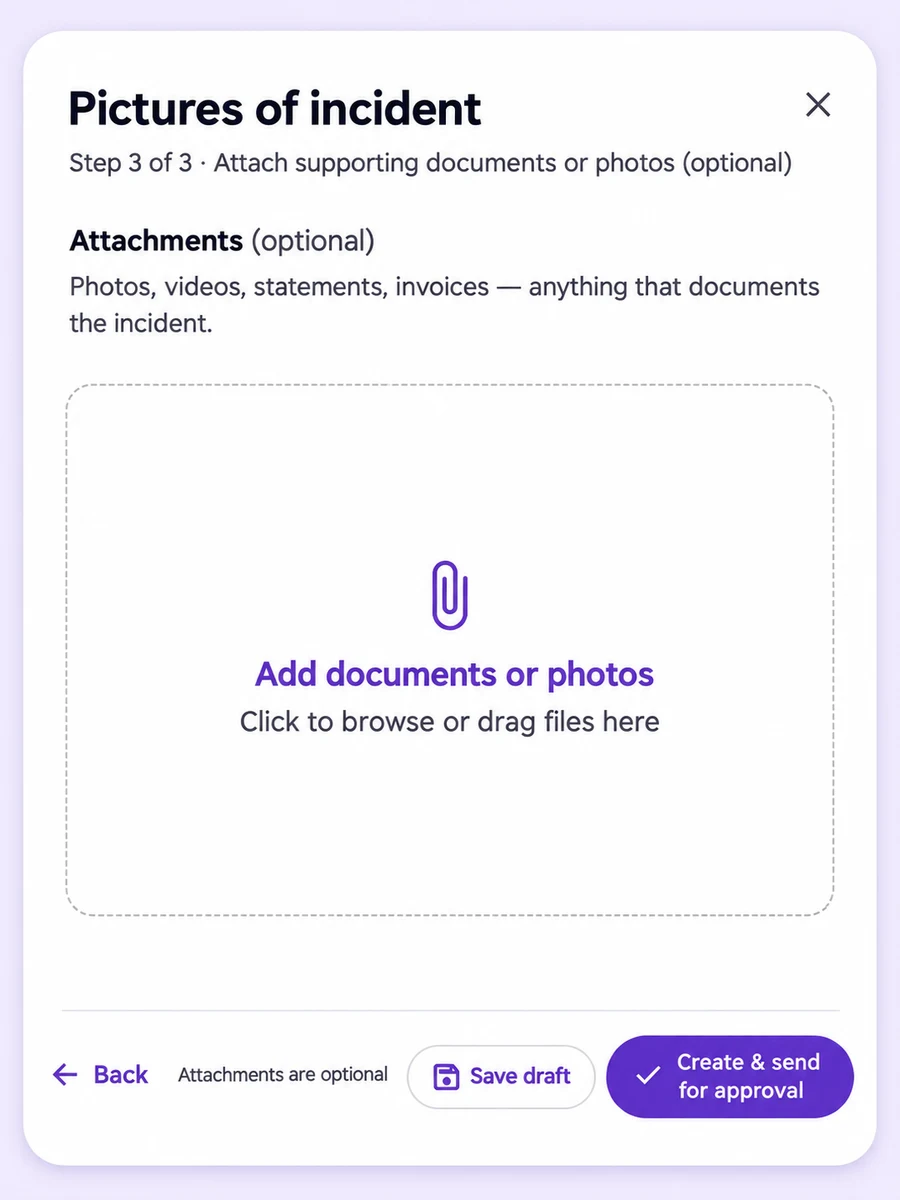
Add visual context to an incident report so reviewers can understand the situation alongside the written description.
ONE ORGANIZED RECORD
Keep incident reports and supporting documentation together in one searchable library. Find the records you need without digging through folders, emails, or paperwork.
Keep incident reports, photos, and supporting documentation together in an organized library.
Search by report number or description, and filter by date, location, type, or status.
Print or share completed incident reports, or attach them as supporting documentation to other records when needed.
EVERYDAY PROPERTY OPERATIONS
Organize reports for water leaks and flooding, accidents and injuries, noise complaints, elevator malfunctions, theft, and other incident types configured by your team.
For broader resident messaging, explore TapHero Communications. For ongoing equipment work, see Preventative Maintenance.
Explore how TapHero helps your staff capture, review, and organize incident reports.